Runs fully offline
Apart from a periodic licence check, no feature touches the network.
1,397 mixed RAW, HIF and JPEG frames grouped, scored and culled in 269 seconds.
 EN
EN
 ES
ES
 DE
DE
 JP
JP
 KO
KO
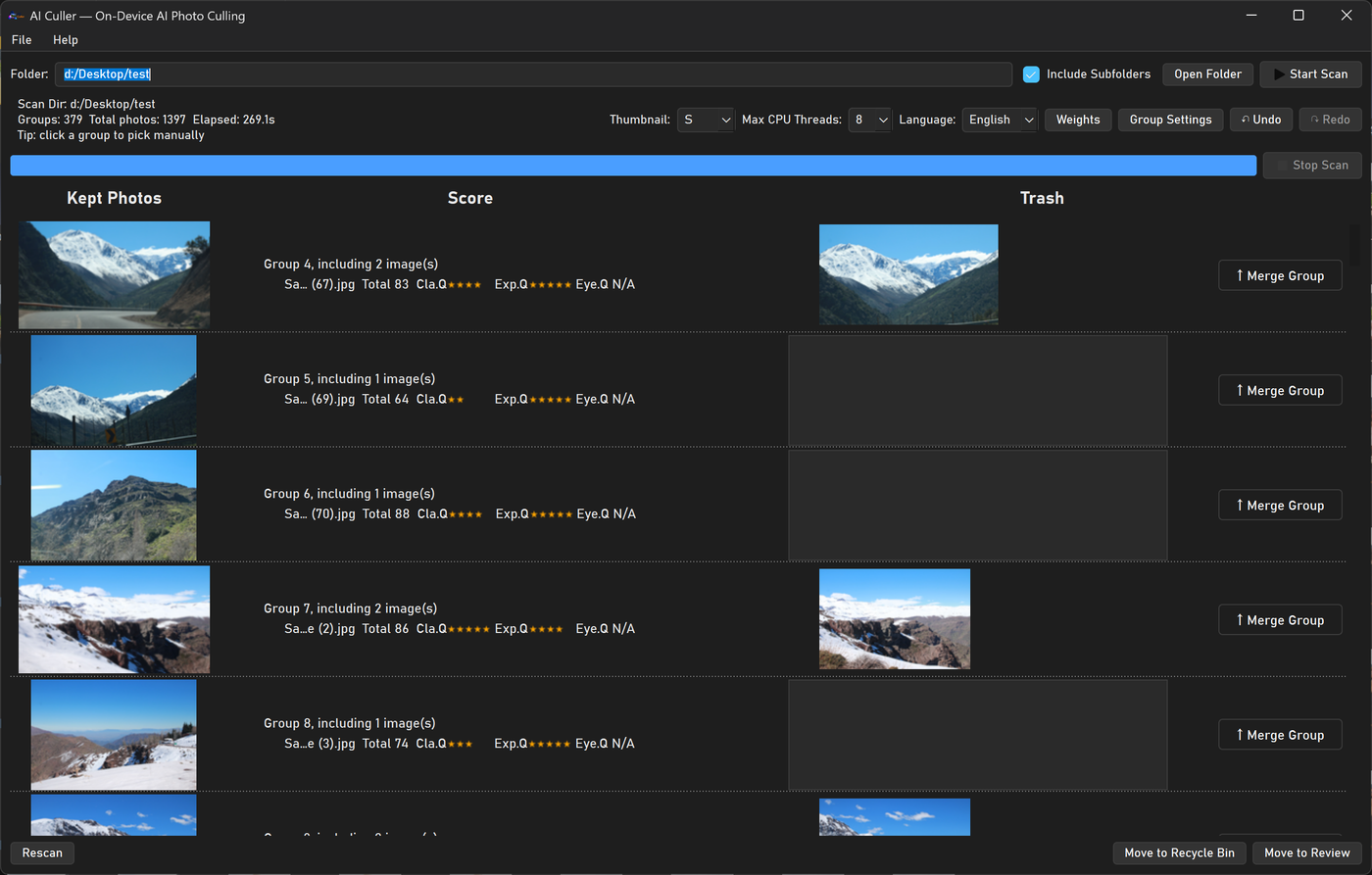
Measured by the author on an Intel Core Ultra 9 285HX / 48 GB machine.
Culling tools fail in three ways.
Apart from a periodic licence check, no feature touches the network.
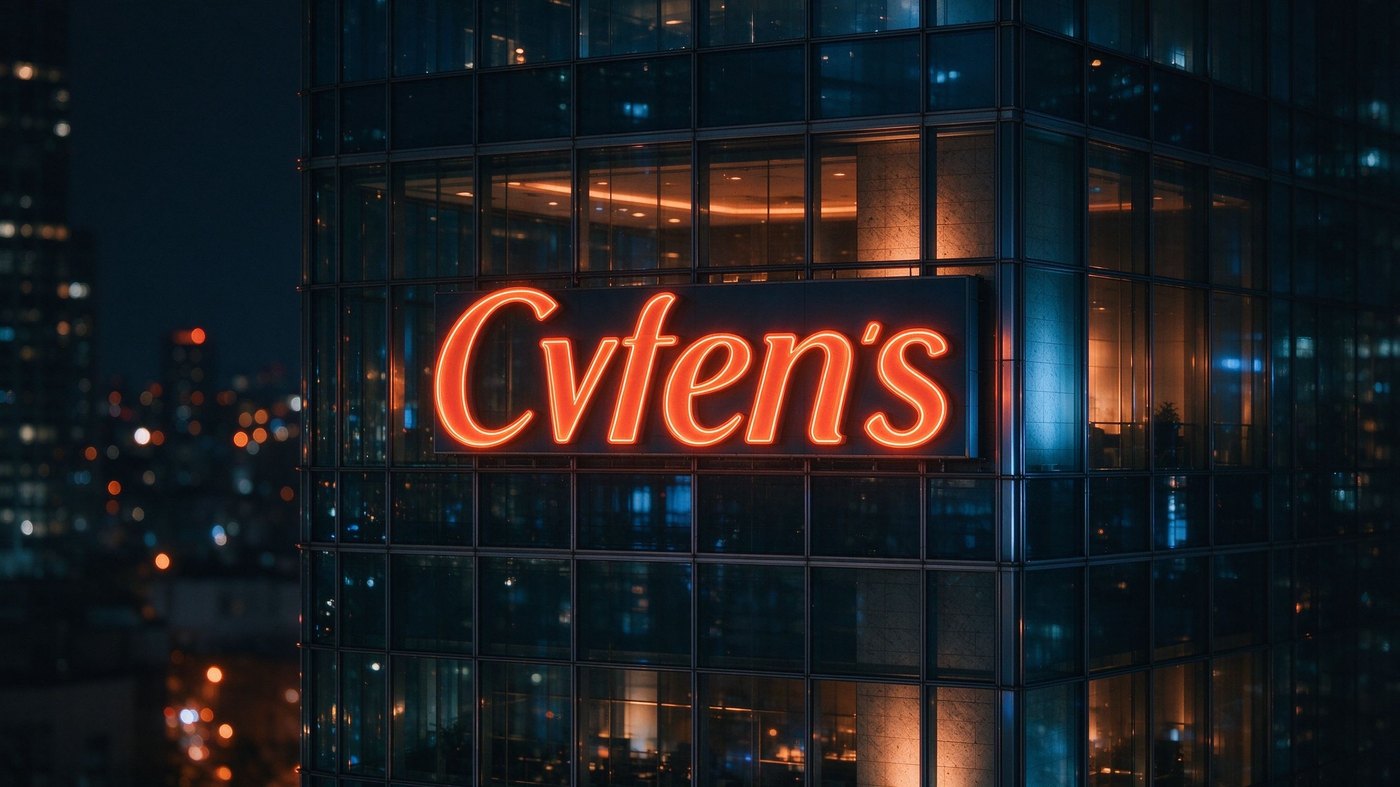
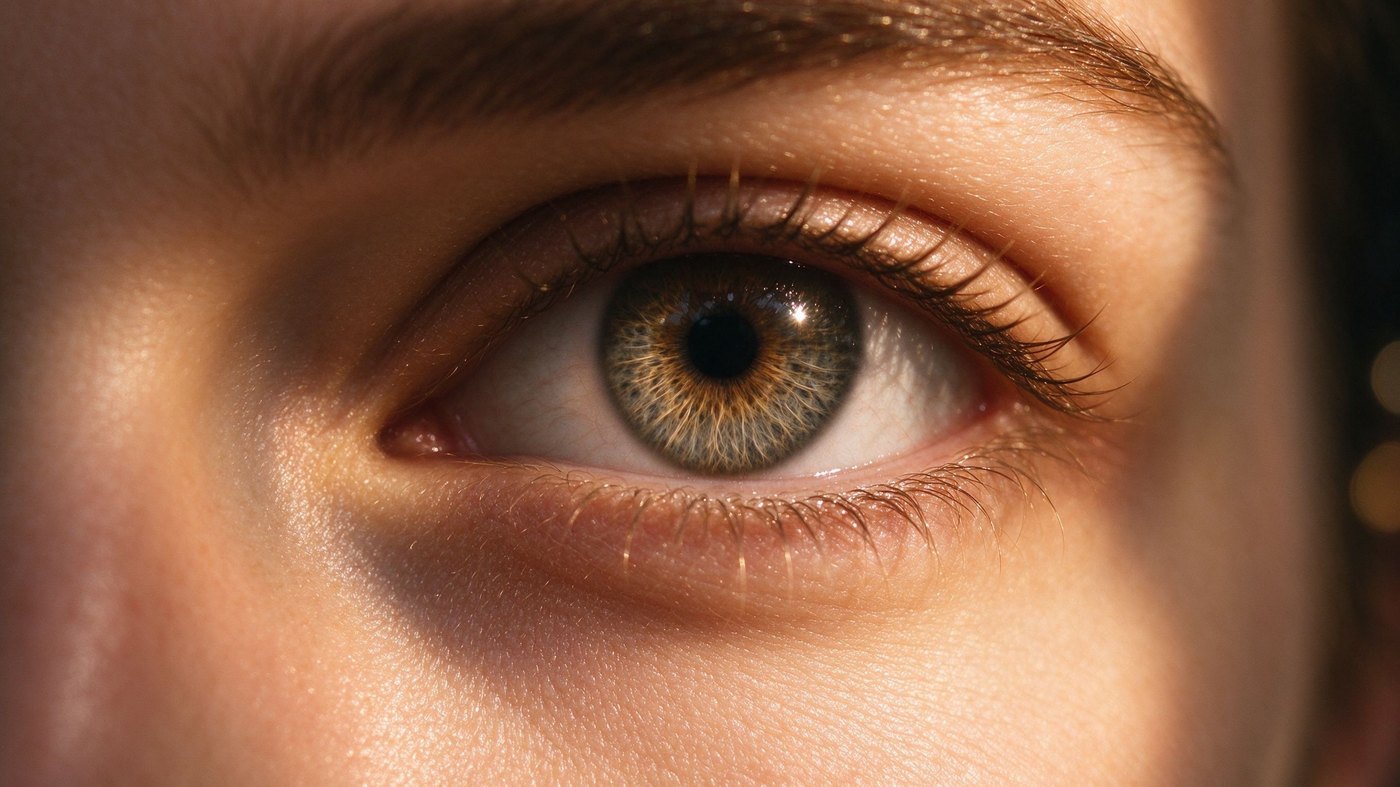
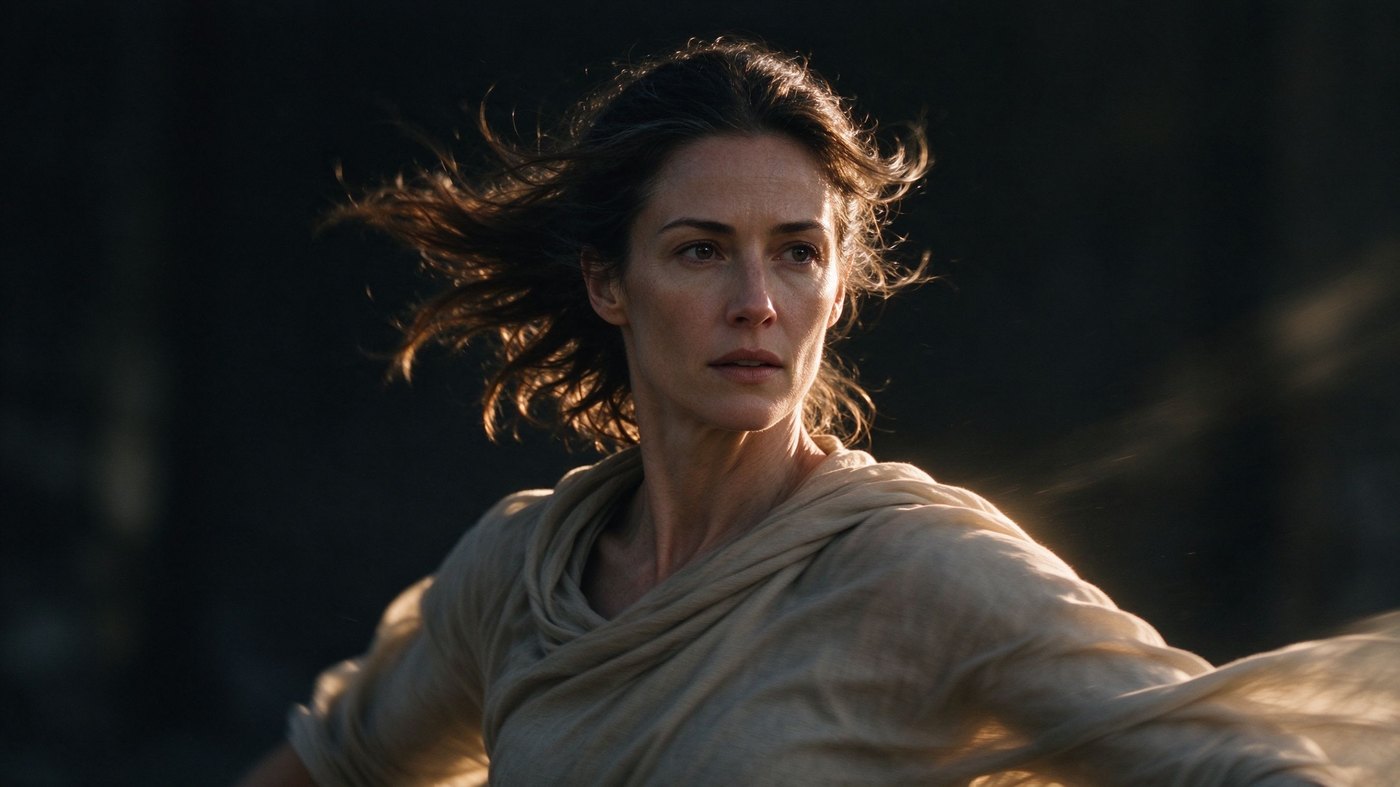
It locates the face and the subject, then scores only that region.
Every burst keeps at least one frame.
Not one opaque total.

No setup wizards, no model downloads, no accounts.
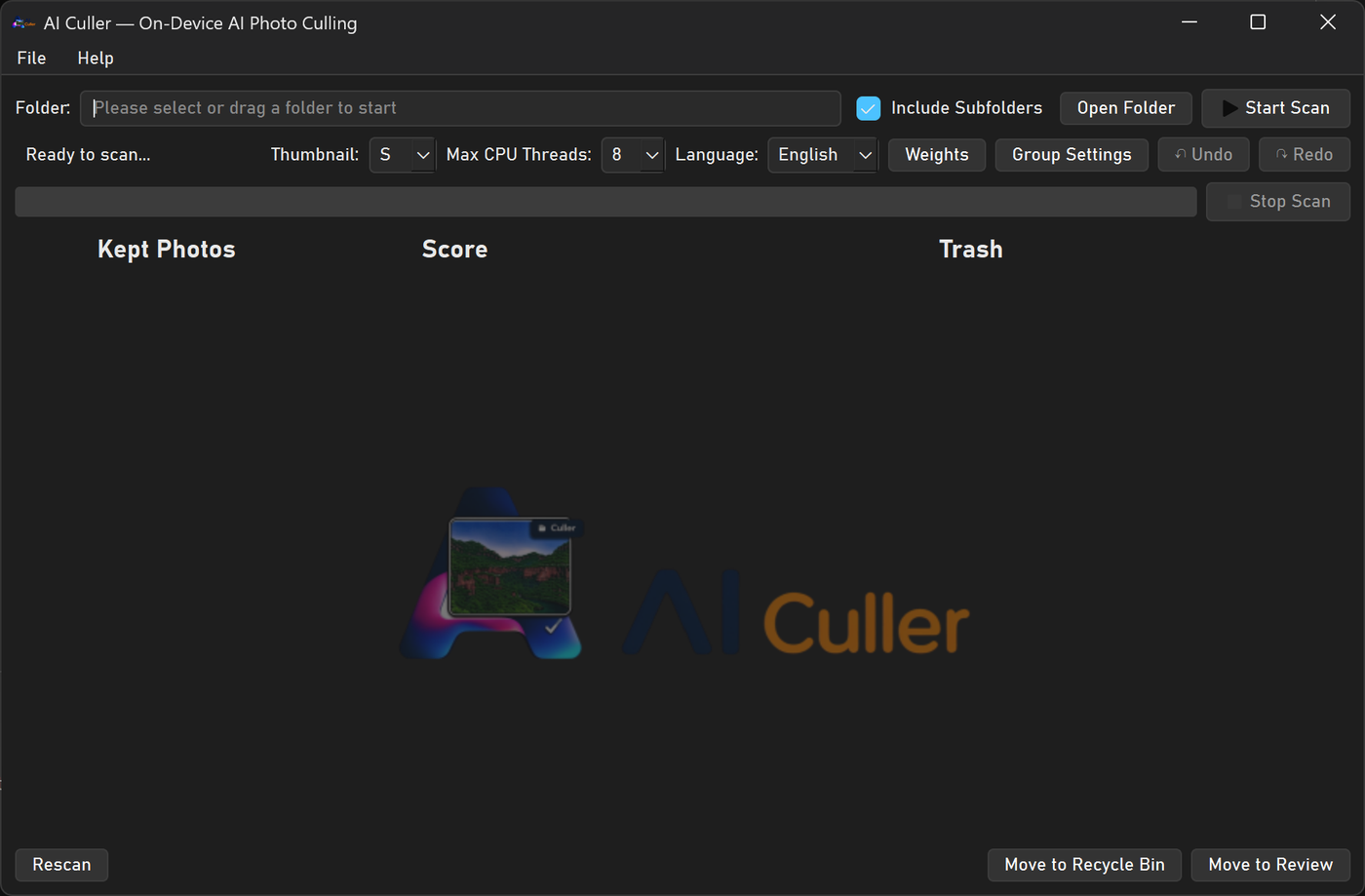
Pick the shoot folder or drag it onto the window.
Frames are grouped by sequence number, time and similarity.
Compare side by side, keep more than one, undo anything.
Recycle Bin or your Review folder — both restorable.
The software picks the best frame in every burst automatically.
Every group already arrives with its best frame kept.
If your camera writes a RAW and a JPEG at the same time, bind them.
The author has shot for over fifteen years, and each control was designed from the photographer’s side of the table.
To protect your photos and your data, grouping errs on the conservative side.
Groups on the left, kept frames and rejects split in each row.
Consumer formats, phone HEIF, and the RAW files from the major camera makers.
Image
JPGJPEGJFIFPNGTIFTIFFBMPWebPGIFAVIFHEICHEIFHIF
3FRARIARWBAYCR2CR3CRWDCRDNGERFFFFIIQK25KDCMEFMOSMRWNEFNRWORFPEFPTXRAFRAWRWLRW2SR2SRFSRWX3F
One master switch, four independent sub-switches.
| With AI on | With AI off | |
|---|---|---|
| Sharpness | ● Subject detection + motion-blur test | Gradient and variance scoring |
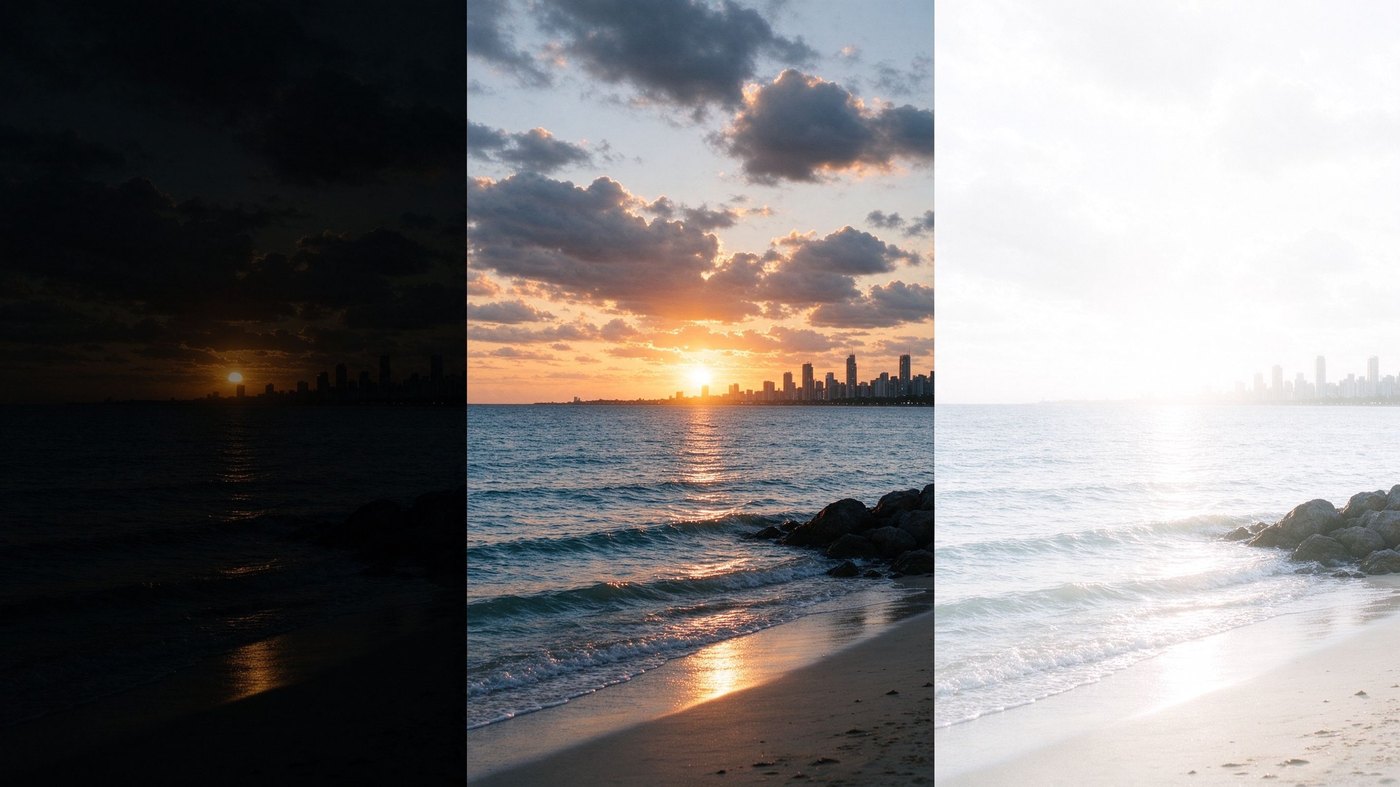
| Exposure | ● Histogram + AI on borderline frames | Histogram and block statistics |
| Eye quality | ● Classifier + landmark openness | Pupil and contour geometry |
| Similarity | ● Visual feature vectors | Perceptual hashing |
Also yours to set: three scoring weights, smile tolerance, grouping rules.
Two editions, both one-time.
For individual photographers
For studios and companies
Every edition starts with a 3-day trial.
Prices exclude VAT and sales tax.
7-day money-back guarantee.
Actively developed — every piece of feedback is read.
Correct.
Licence key and a machine identifier.
Yes.
The software never deletes a file.
Every scan takes a different amount of time depending on image size, format, count and hardware.
Yes.
14-day offline grace period.
The software is identical.
7 days, no questions asked.
Install it, point it at one shoot, and see the difference.